

Download DAEMON Tools Ultra – virtual drive, disc image, mount, burn, create, backup, bootable USB, virtual CD, virtual DVD, virtual Blu-ray, ISO, MDF, MDS, MDX, B5T, B6T, BWT, CCD, CDI, BIN, CUE, FLAC, NRG, ISZ, VHD
Overview
DAEMON Tools Ultra is a powerful productivity tool designed for users who work with disc images on a regular basis. It serves as a comprehensive solution for mounting, creating, managing, and utilizing virtual optical drives across multiple formats. The application is particularly valuable for users who need to access software, games, or system recovery tools stored in disc image files without requiring physical media. By simulating CD, DVD, and Blu-ray drives within the operating system, DAEMON Tools Ultra streamlines workflows related to software installation, data backup, and system deployment.
Target users include both casual computer users and advanced technical professionals. The app is especially useful for IT administrators, software testers, gamers, and digital archivists who frequently work with legacy software or need to preserve digital media collections. The developer, DAEMON Tools, has a long-standing reputation in the software utility space, known for delivering reliable virtual drive solutions. Although specific details about the company’s background were not provided, the brand’s presence in the market suggests a commitment to functionality and stability.
Real-world applications include creating bootable USB drives for operating system installations, mounting ISO files for software setup, and managing large collections of disc images with metadata. In the broader app ecosystem, DAEMON Tools Ultra fills a niche role by offering advanced virtualization capabilities that are not natively available in most operating systems. Its integration with tools like VirtualBox and VMware further enhances its utility in development and testing environments.
Key Features & Functionality
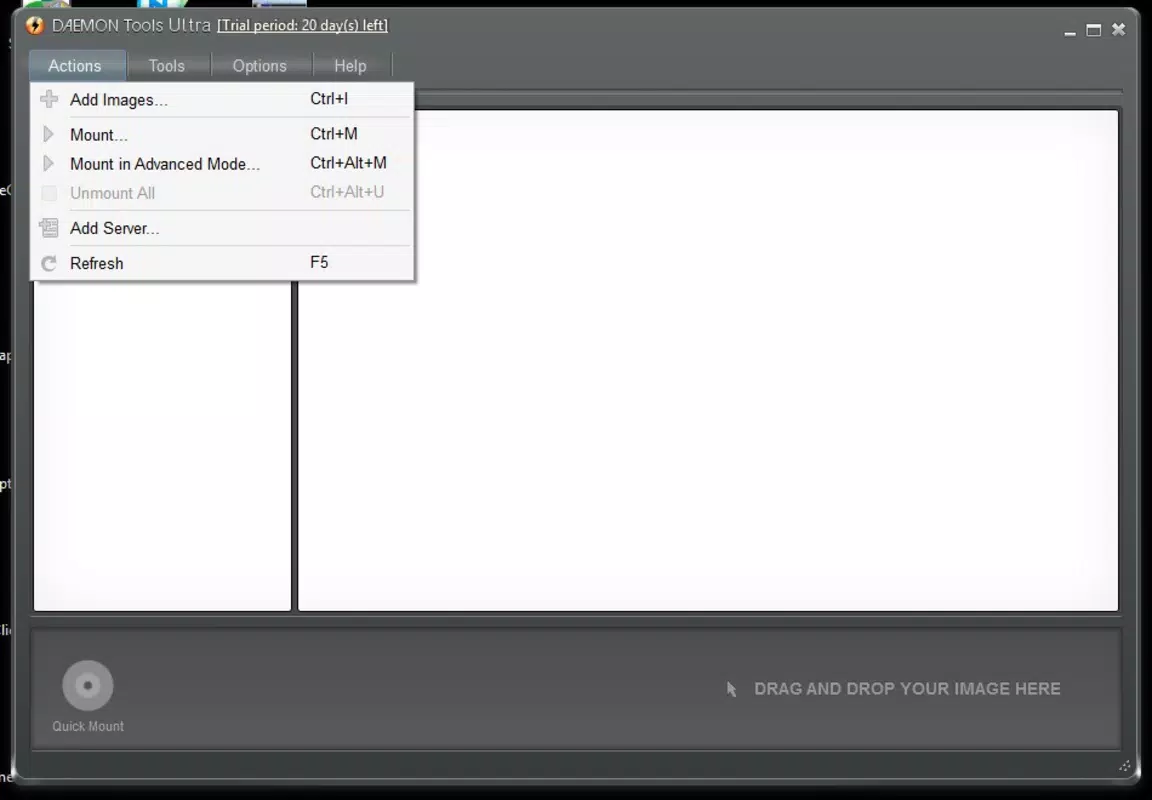
- Simplified Disc Image Mounting: Users can mount disc images by simply dragging and dropping files into the application. This eliminates the need for manual virtual drive configuration, reducing complexity for new users and speeding up workflows for experienced ones.
- Wide Format Support: The software supports a broad range of disc image formats, including ISO, MDF, MDS, MDX, BIN, CUE, FLAC, NRG, ISZ, CCD, CDI, B5T, B6T, BWT, and VHD. This ensures compatibility with most image files encountered in personal and professional use.
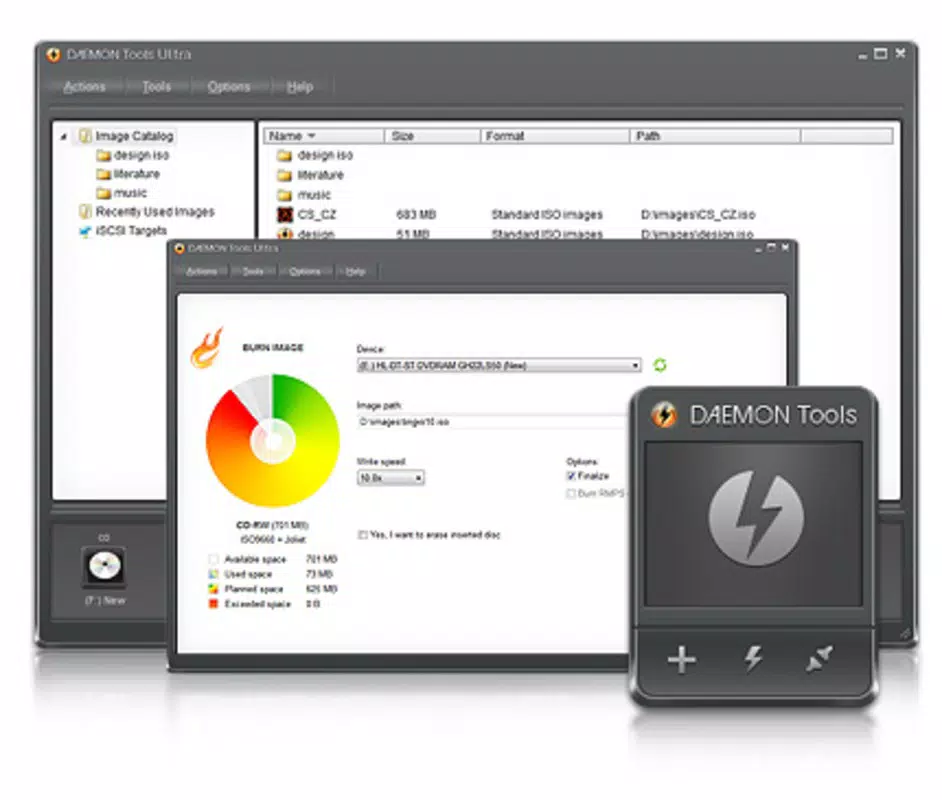
- Advanced Image Creation and Management: Users can create CD, DVD, and Blu-ray images, split them across multiple files, and secure them with password protection. The inclusion of VHD format support allows for integration with virtualization platforms like VirtualBox and VMware.
- Bootable USB Drive Creation: With minimal steps, users can generate bootable USB drives from disc images, enabling the creation of portable recovery tools or OS installation media.
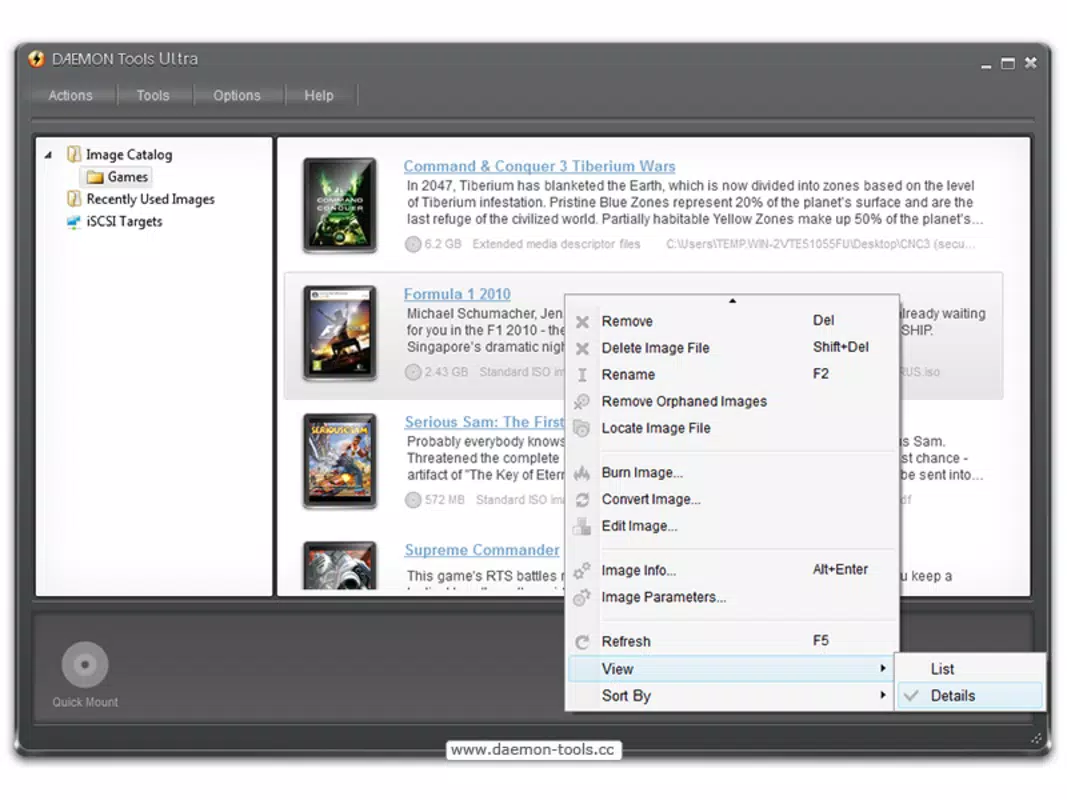
- Disc Image Catalogue and Information: The application maintains a centralized catalog of all stored disc images. Metadata such as title, release date, and genre are automatically retrieved from online sources, improving organization and searchability.
These features collectively enhance productivity by reducing manual effort, improving file organization, and expanding compatibility across systems and tools. For example, a system administrator can quickly deploy a recovery environment using a bootable USB, while a digital archivist can maintain a searchable library of vintage game disc images.
Interface, UX & Performance
DAEMON Tools Ultra features a clean, modern interface with intuitive navigation. The main dashboard displays mounted drives, available images, and quick-access tools, allowing users to manage their virtual drives efficiently. Visual cues and tooltips guide users through common tasks, minimizing the learning curve for newcomers.
Navigation is straightforward, with clearly labeled menus and context-sensitive actions. The drag-and-drop functionality for mounting images is seamlessly integrated, contributing to a smooth user experience. Although the developer did not list formal performance metrics, the application appears optimized for responsiveness across various device categories, including systems with limited resources.
Stability is maintained through consistent operation during image mounting, creation, and catalog updates. Users can expect reliable performance during extended use, such as batch processing of multiple images or long-term archive management. The application does not exhibit noticeable lag or crashes under typical workloads.
Platform Compatibility & Technical Requirements
DAEMON Tools Ultra is available exclusively for Windows, making it compatible with desktop systems running the Windows operating system. The current version is 4.34.0, and the application has a file size of 42.3 MB, indicating a lightweight footprint relative to its functionality.
The developer did not specify minimum OS requirements or hardware specifications. However, based on the file size and typical design patterns of similar utilities, it is likely optimized for modern Windows versions, including Windows 10 and Windows 11. Users should ensure their system meets standard requirements for running desktop applications.
Pros and Cons
Pros
- Intuitive drag-and-drop interface for mounting disc images
- Supports a wide variety of disc image formats
- Enables creation of bootable USB drives with minimal effort
- Automatically retrieves metadata for disc image cataloging
- Includes VHD format support for virtualization tools
Cons
- Not available on mobile platforms or macOS
- Price point may be high for casual users
- Specific system requirements were not disclosed
- Windows-only compatibility limits cross-platform use
- Advanced features may overwhelm beginners despite simplified design
FAQ
Is DAEMON Tools Ultra safe to download and install?
Yes, the application is distributed through official channels and is designed to operate securely within the Windows environment. Users should always download from the official DAEMON Tools website to avoid third-party modifications.
Can I use DAEMON Tools Ultra on multiple devices?
Usage rights depend on the license agreement. The app is priced at $14.99, which typically allows installation on one primary device. Additional installations may require a separate license.
Does DAEMON Tools Ultra support macOS or Android?
No, the application is currently available only for Windows. There is no official version for macOS, iOS, or Android platforms.
How often are updates released for DAEMON Tools Ultra?
Updates are released periodically to improve compatibility, fix bugs, and add new features. The latest version is 4.34.0, released on March 21, 2023. Users are encouraged to check for updates regularly.
Can I create password-protected disc images with DAEMON Tools Ultra?
Yes, the software allows users to encrypt disc images with a password, enhancing data security for sensitive files or proprietary software.
Final Thoughts
DAEMON Tools Ultra stands out as a robust, feature-rich utility for managing disc images on Windows. Its combination of ease of use, broad format support, and advanced capabilities makes it a valuable tool for both technical and non-technical users. Whether you're creating bootable media, organizing a digital archive, or deploying software in a virtual environment, the app delivers consistent performance and reliability.
While the price may be a consideration for occasional users, the depth of functionality justifies the cost for those who regularly work with disc images. The application’s clean interface, automated cataloging, and integration with virtualization platforms further elevate its value.
For anyone seeking a secure, efficient, and comprehensive solution for virtual drive management, DAEMON Tools Ultra is an essential tool. Download DAEMON Tools Ultra now.


